
Starting Out in Hack Club
To be able to get all of the awesome prizes, you've got to sign up for Hack Club.
Follow along here!
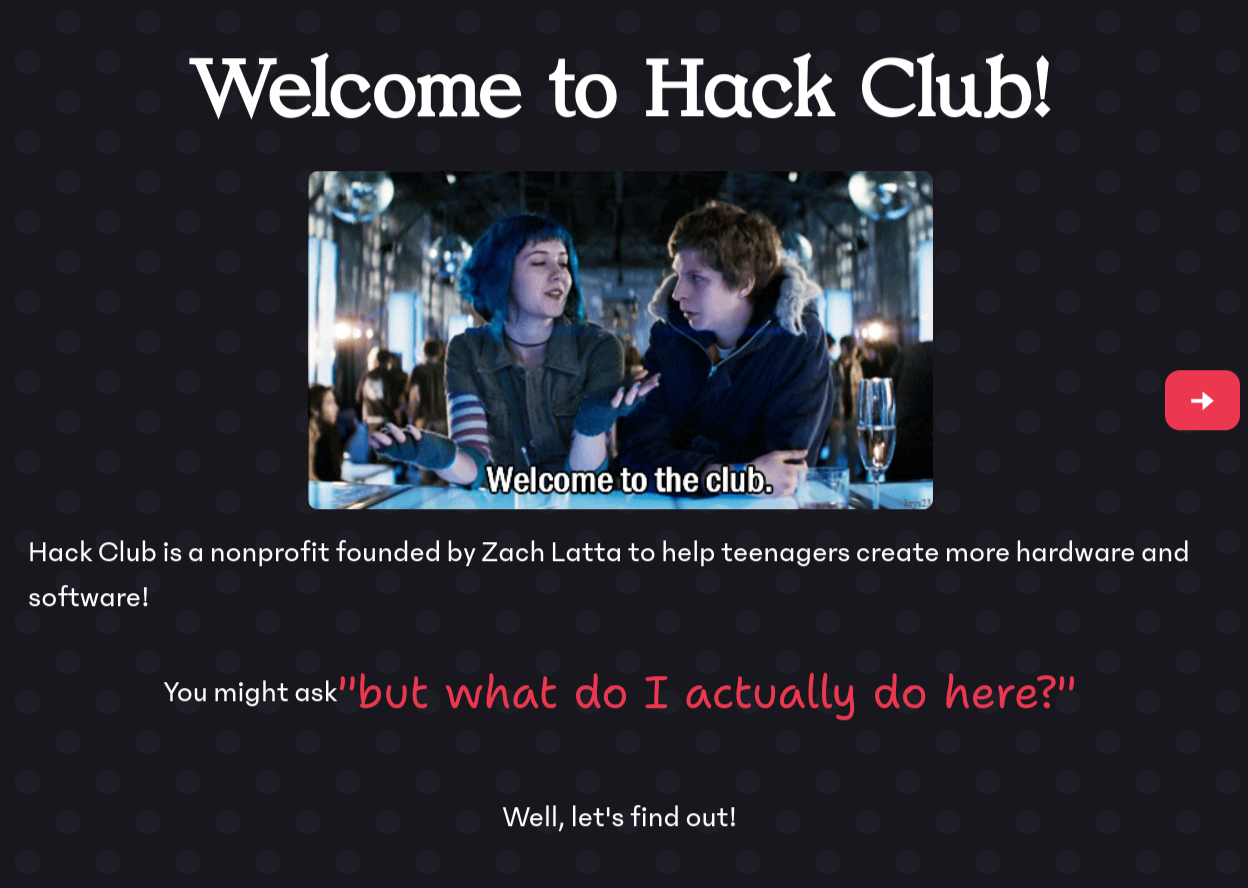
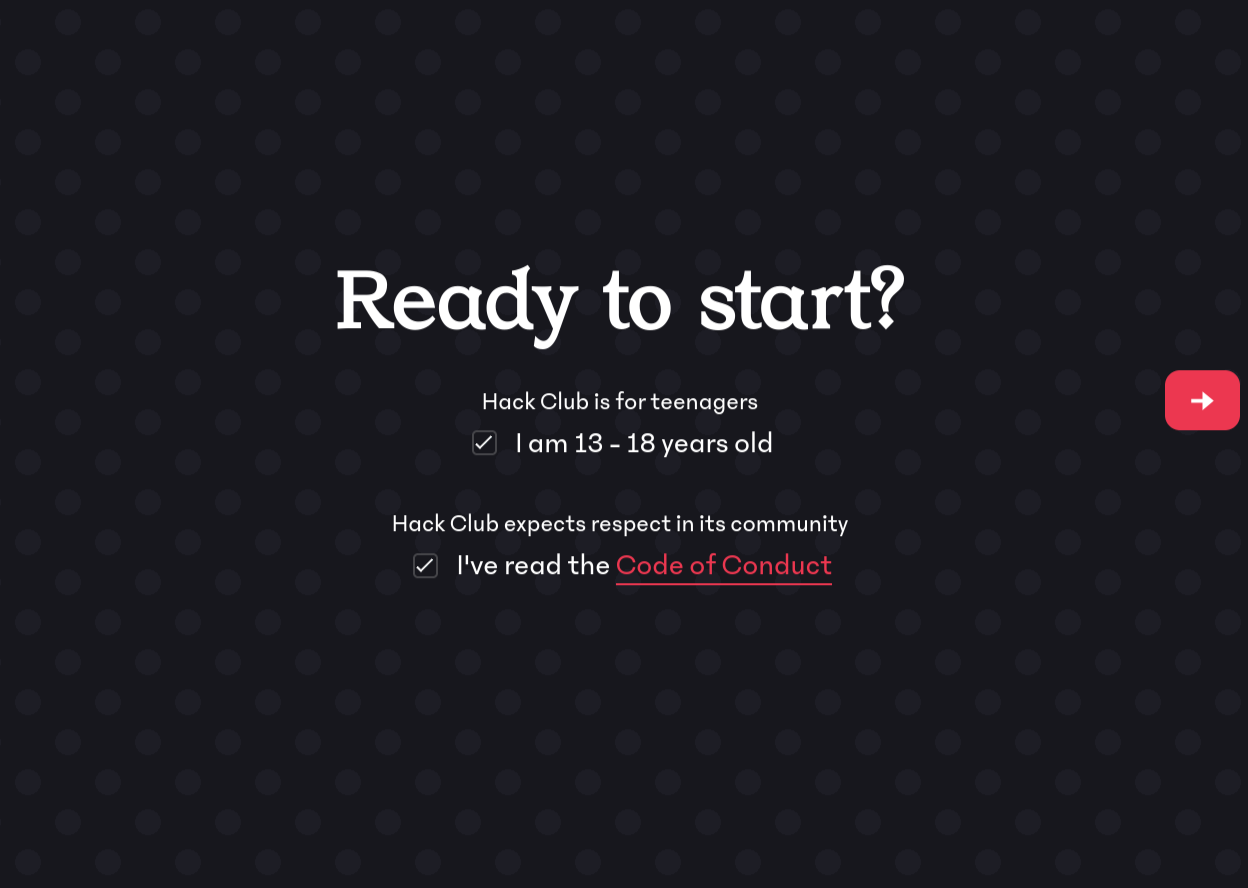
Click the giant "Join Hack Club" button on this page. After you click through a few pages, you'll be brought to a page where you can set up Hack Club Auth. This is the account you will use to sign into all Hack Club services.
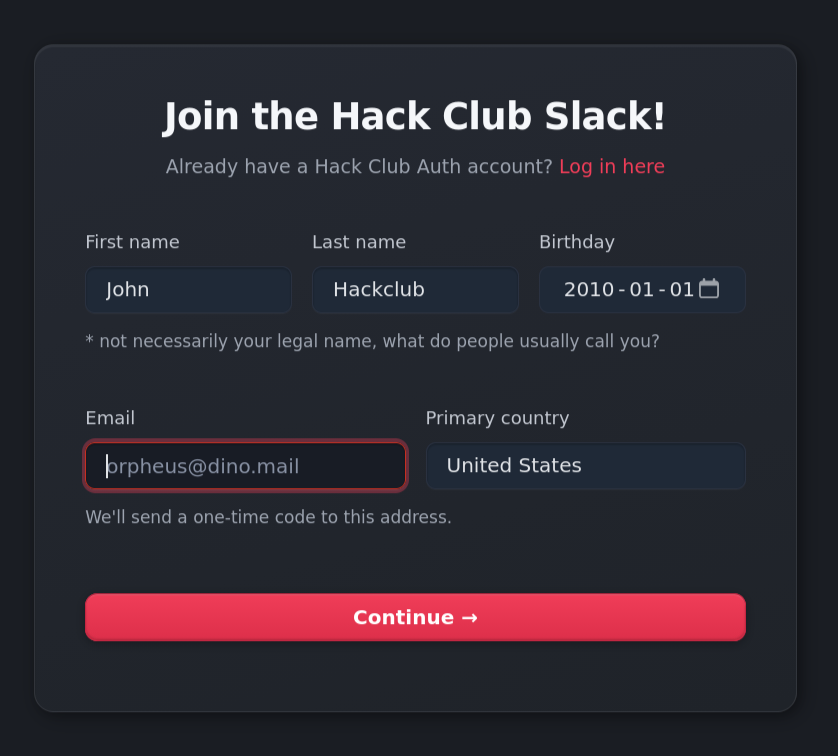
You'll need to enter some personal information, then verify your email. After this though, you're in the Slack!
You'll see a few default channels that you've been added to. You should have also gotten an automated message with what the channels mean.
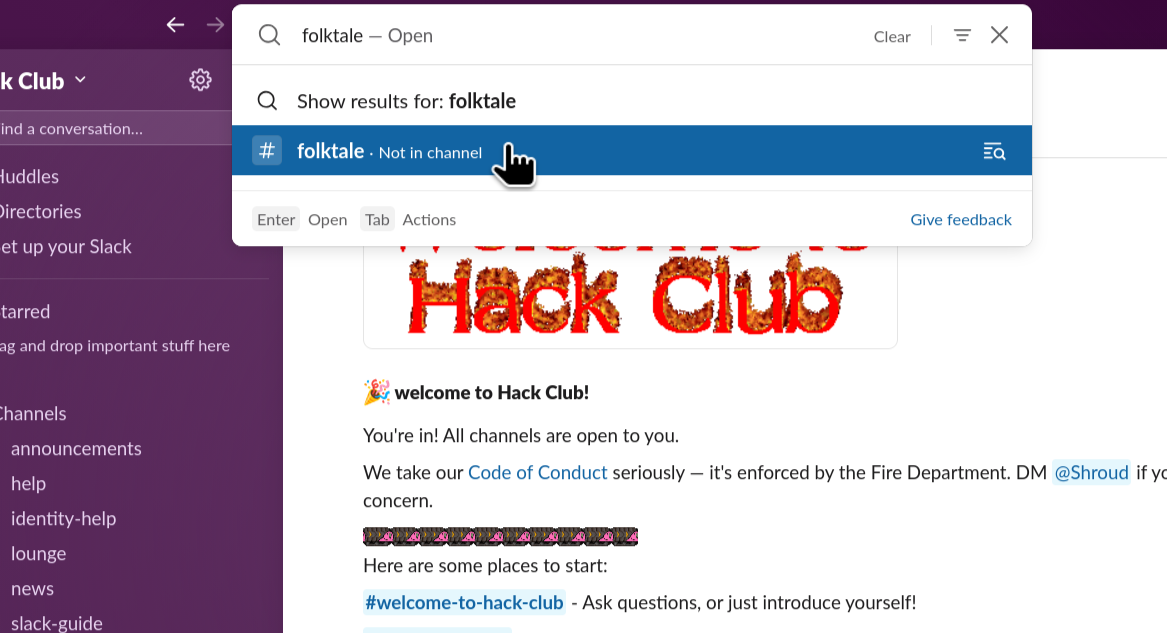
Let's join a channel! We'll join the #folktale channel, chat with others.
At the top of your screen, you'll see a searchbar saying Search Hack Club. Click it, then search "folktale". You
should see a search entry with a big hashtag next to it, that's the channel. Click it, click the big green "Join
Channel" button at the bottom, and then you're in!
Say hi, meet some people. There's also a #folktale-help channel that you can join in the same way. If anything at all comes up while you're working through the guide, if you get stuck at all, put a message in here and a nice community member or Folktale organizer will help you out.
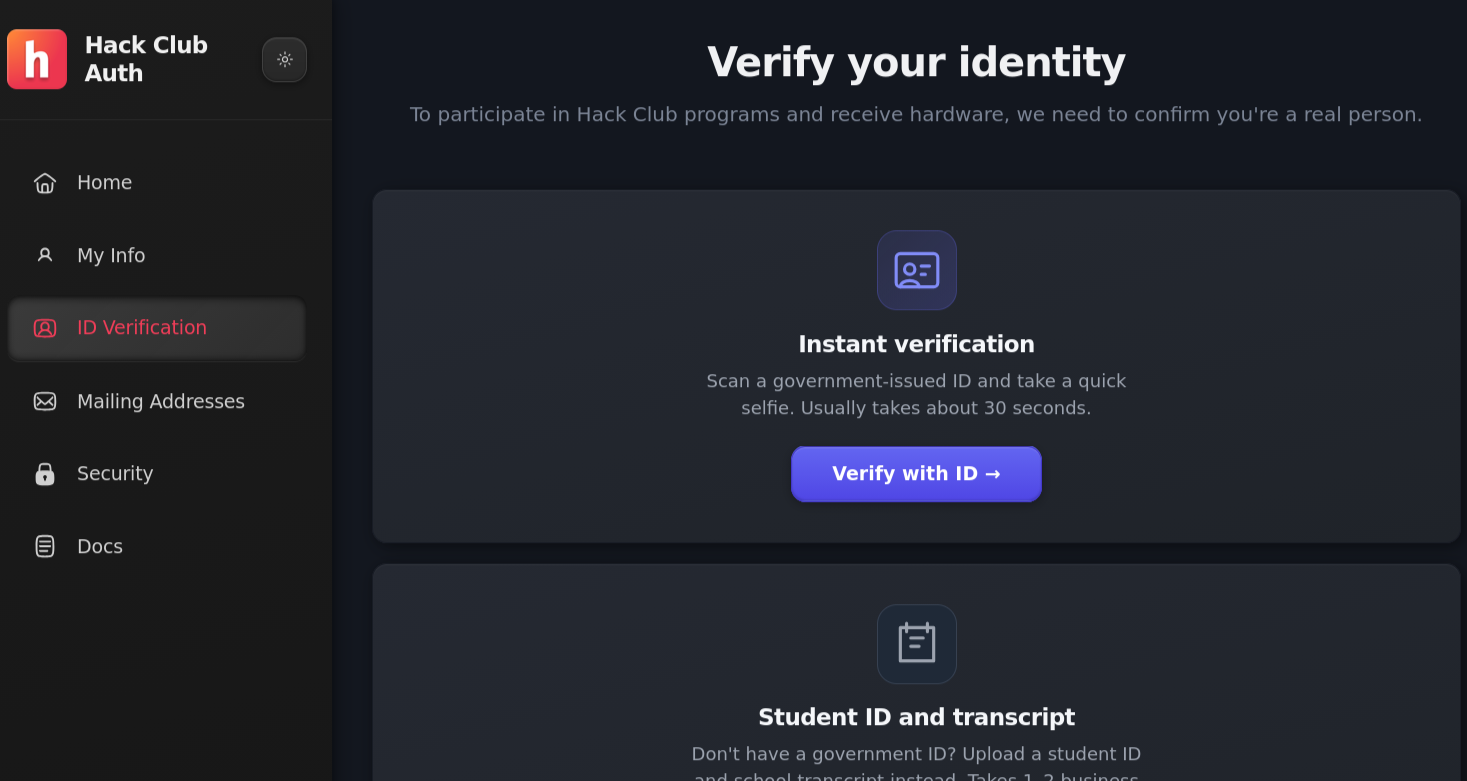
After you're done chatting, you'll need to verify in Hack Club Auth before you can set up a coding environment. Hack Club needs to make sure that all prizes go to teenagers, so we ask everyone to verify their identity.
Go to auth.hackclub.com and start the process through either the "Verify your identity" card in the "Complete your profile" section, or the "ID Verification" tab on the left side. This page will guide you through verification, so make your way back here when you're done and approved. This process usually takes up to a day if all systems are working.
With that out of the way, it's time to set up the coding environment!